Google Play Points Calculator
Enter your levels and points needed to estimate how much to spend.
Your level goal
Enter the points to your next level shown in Google Play, not your redeemable points balance. Enter 0 if already reached.
Amounts use the eligible item price before tax. Entering the checkout total gives an estimate. Check the points shown by Google Play before purchase.
What You Can Do with Google Play Points Calculator
Use this page to check the spending needed to level up, the Play Points you can earn from a spending amount, and estimates using a special earn rate shown in Google Play.
❓ Frequently Asked Questions (FAQ)
Q. How is the spending goal calculated?
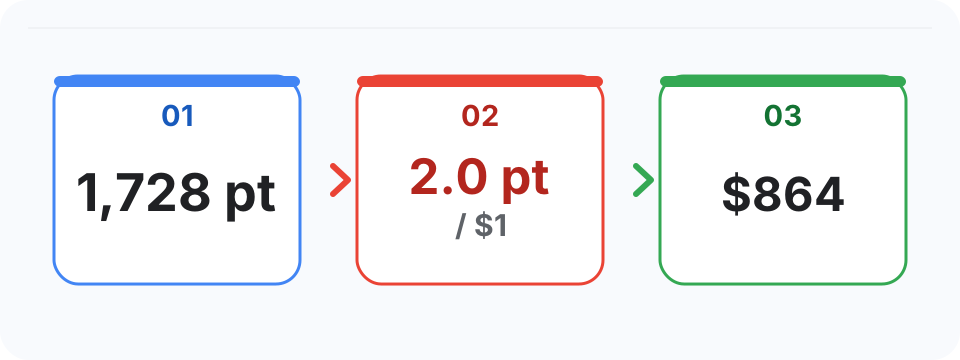
A. By inputting your current points and target status, the calculator compares your base earn rate with any special earn rate shown in Google Play and uses the higher rate. It does not multiply the two rates.
Q. What is the reverse calculation mode?
A. By inputting the spending amount, the tool simulates expected points using the higher of your base earn rate and any special earn rate shown in Google Play.
Q. Is this an official Google page?
A. No. This site is an unofficial personal tool and is not operated by Google. Use the calculation result as an estimate, and check the official Google Play screen for the latest status conditions and benefits.
Q. Is my weekly reward diary data saved?
A. Diary data is stored only in this browser's local storage. It does not move to another device or browser and can be lost when site data is cleared or private browsing ends. Keep an exported copy if needed.